



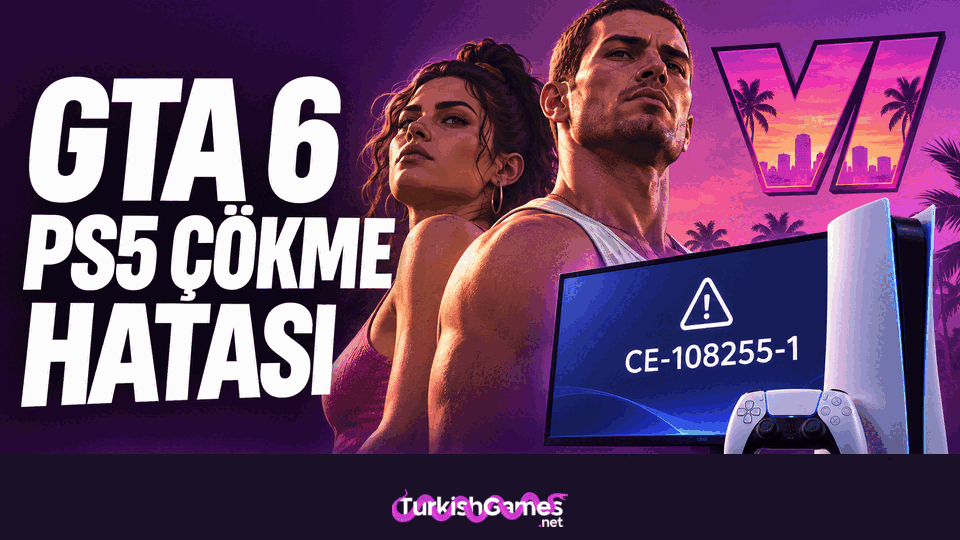
If GTA 6 sends you back to the PlayStation 5 home screen with error CE-108255-1, start by checking for a game update. PlayStation describes this as an error with the game or application and recommends updating it. The code can appear in other games as well. What happens immediately before the crash is the most useful detail when you need more help.
Check GTA 6 for an update
Highlight GTA 6 on the PS5 home screen and press the Options button on your controller. Choose Check for Update. If a download is available, let it finish installing before you launch the game again. Then try to return to the place where it crashed. If the error appeared while loading a save, test the same save. If it happened during a mission, note the mission name and the last action you took.
What to do if the game is already up to date
Restart your PS5 and check for a system software update in Settings. The console and the game update separately, so you can be current on one and still have a pending download for the other. Try changes one at a time. That way, when the crash stops or comes back, you have a clearer picture of what changed.
Keep a short record if the error repeats. Include the code, the approximate time, the game version and whether you reached the title screen. Mention if it also happens in other games. A crash across several titles gives support a different starting point from a crash that occurs only when you open one GTA 6 save.
Keep your save data intact while you troubleshoot. If a support step involves a reinstall or a console reset, read exactly what it affects and check your backups before continuing. For persistent crashes, use the support link below and include the details you recorded rather than sending only the error code.
PlayStation’s guide to CE-108255-1
Frequently Asked Questions
What does CE-108255-1 mean?
A PS5 game or application encountered an error. The code by itself does not identify the cause.
Should I reinstall GTA 6 first?
Check for a game update first. If the error continues, follow PlayStation’s support steps and check your backups before any operation that could affect saved data.
Is there a GTA 6 patch specifically for this code?
We could not verify a patch directed specifically at this error. Check for the latest GTA 6 update on your console.
Aynı kategoriden okumaya devam et: GTA 6 Metacritic Score: How to Read the Early Reviews